Parts and stock
Manage canonical parts and individual stock packages without losing the bigger picture.
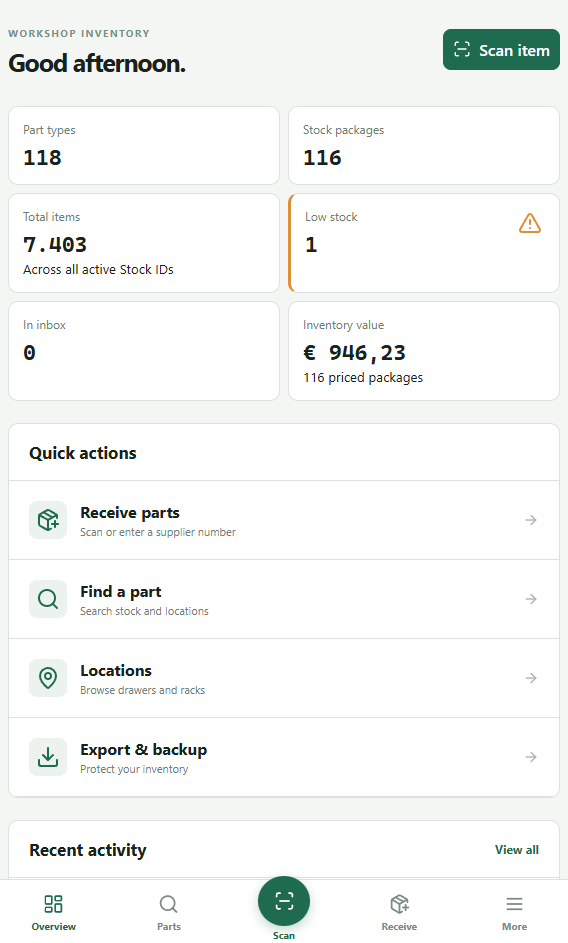
Bring parts, stock packages, locations, receiving, projects, orders, labels and backups together in one local-first workshop app.
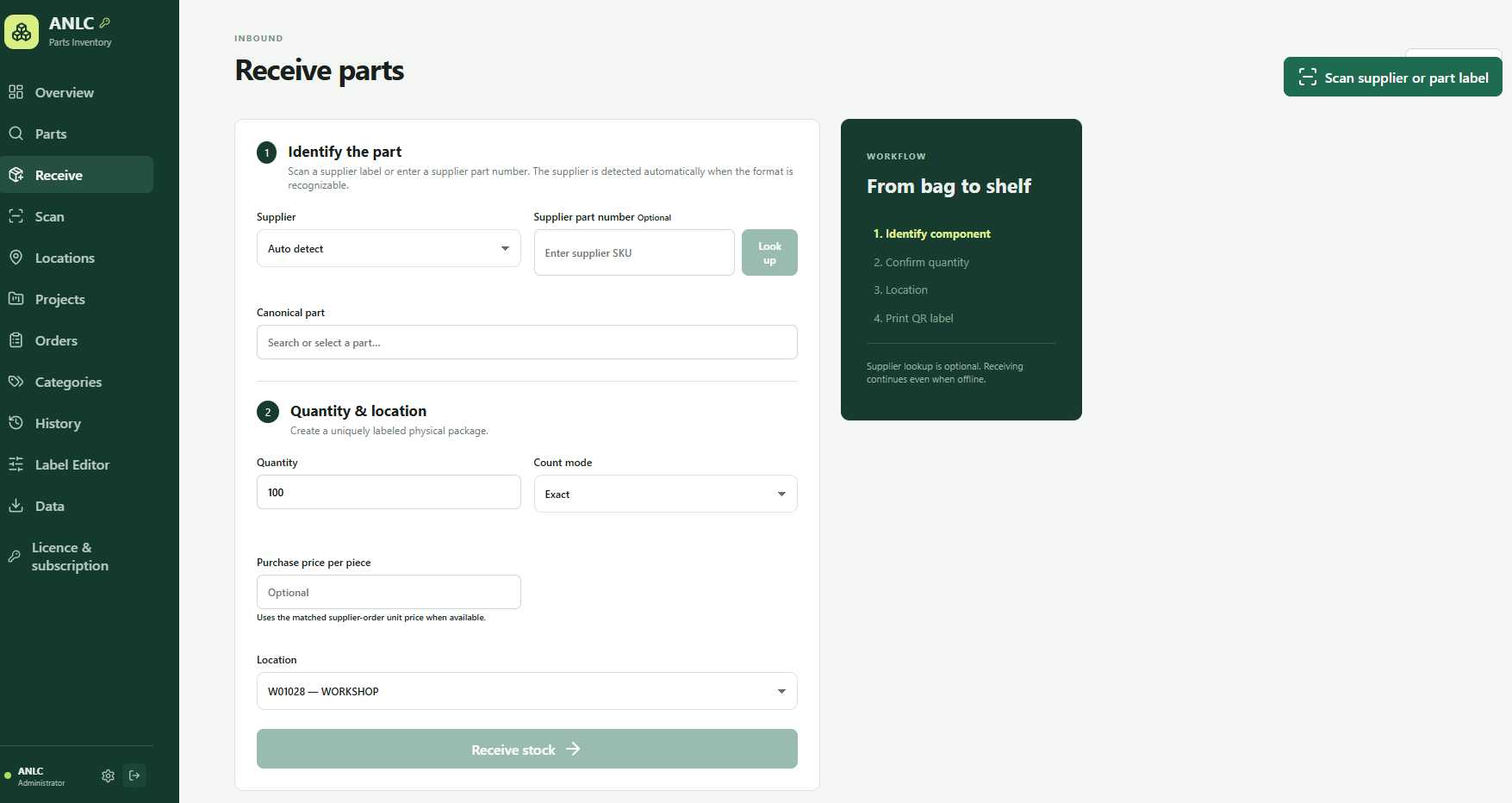
Parts Inventory keeps a part’s identity separate from its physical stock. That means you know not only what you have, but how much, where it lives and how it got there.
Manage canonical parts and individual stock packages without losing the bigger picture.
Look up a supplier number, confirm quantity, choose a location and create a label.
Map drawers, cabinets and racks in a hierarchy and see exactly where stock lives.
Find parts using QR and common 1D barcodes, a camera, photo or handheld scanner.
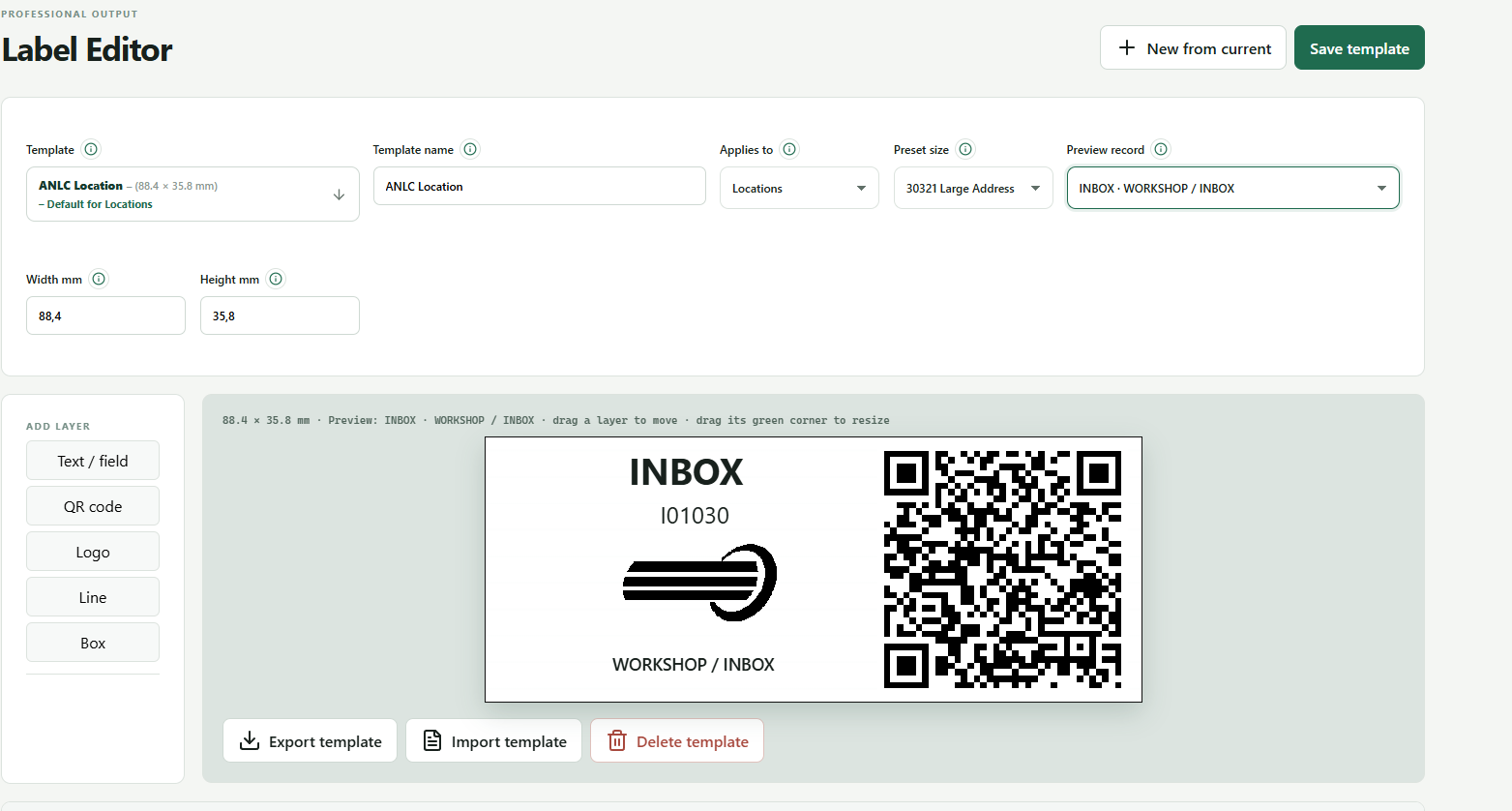
Design reusable labels with text, fields, QR codes, logos, lines and boxes.
Track stock movements, projects, BOMs and orders with an accountable history.
Move through a guided flow. Manual entry stays available if a supplier lookup is unavailable.
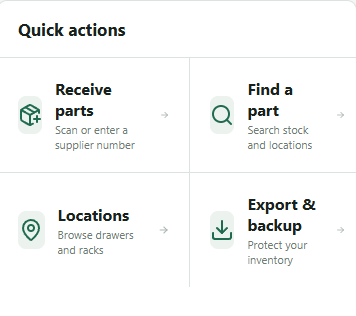
Search parts and stock, browse locations or scan the permanent code on a label. Editing a name or moving stock does not invalidate an existing QR code.
Set dimensions and build reusable templates with text, data fields, QR codes, logos, lines and boxes. Print through the browser.
Learn about Label Editor →One application instance uses a local SQLite database in persistent Docker storage.
Create integrity-checked snapshots and optionally protect exports with AES-256-GCM encryption.
Use Administrator, Inventory Manager and Operator roles with accountable history.